claude-session-manager
TUI + CLI for managing Claude Code sessions — list, clean, remove, resume without grepping ~/.claude.
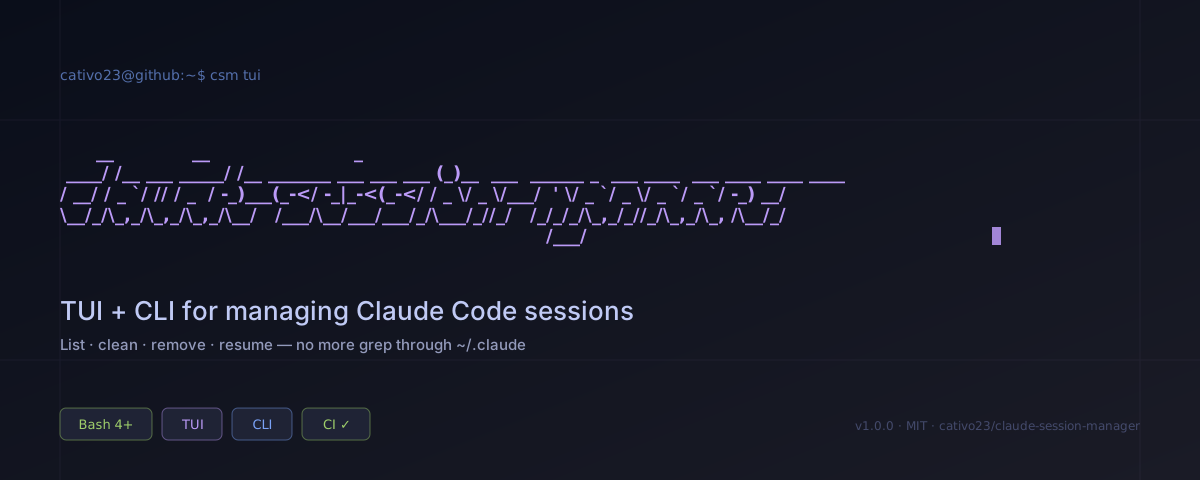
- ▸TUI mode with keyboard navigation: list, preview, resume, or delete in place
- ▸CLI mode composable with shell scripting: csm list/clean/remove/resume
- ▸Session metadata surfaced (project, date, duration, tokens) — no more grepping ~/.claude
- ▸Bulk cleanup by date or pattern; CI-tested on Linux + macOS, zero runtime deps


TUI + CLI for managing Claude Code sessions
Claude Code accumulates sessions fast. claude-session-manager is a small bash tool with both a TUI and a CLI surface for listing, cleaning, removing, and resuming sessions — without grepping through ~/.claude/projects/ by hand.
Why I built it
After a few months of heavy Claude Code use, my ~/.claude/projects/ directory had hundreds of session files — some from one-off experiments, some from active projects, all opaque from the filesystem alone. I wanted to see them: which project, which date, how long, how many tokens. Then quickly resume the right one or nuke a batch of stale ones. Nothing existed, so I built it.
What it does
- TUI mode — beautiful interactive interface with keyboard navigation; list, preview, resume, or delete sessions in place.
- CLI mode — composable with shell scripting:
csm list,csm clean,csm remove,csm resume. - Session metadata — surfaces project, date, duration, and token usage for each session.
- Bulk cleanup — drop sessions older than N days, or matching a pattern.
- One-line install —
curl -fsSL .../install.sh | bash. - CI-tested on Linux and macOS.
Stack
Pure Bash 4+. Zero runtime dependencies. Linux + macOS.
Status
v1.0.0. Active. MIT.